
Live Chat for Ecommerce: Setup, Staffing and Metrics for Shopify Stores (2026)
Executive Summary
- Live chat answers pre-purchase, order status and returns questions while the customer is still on your site.
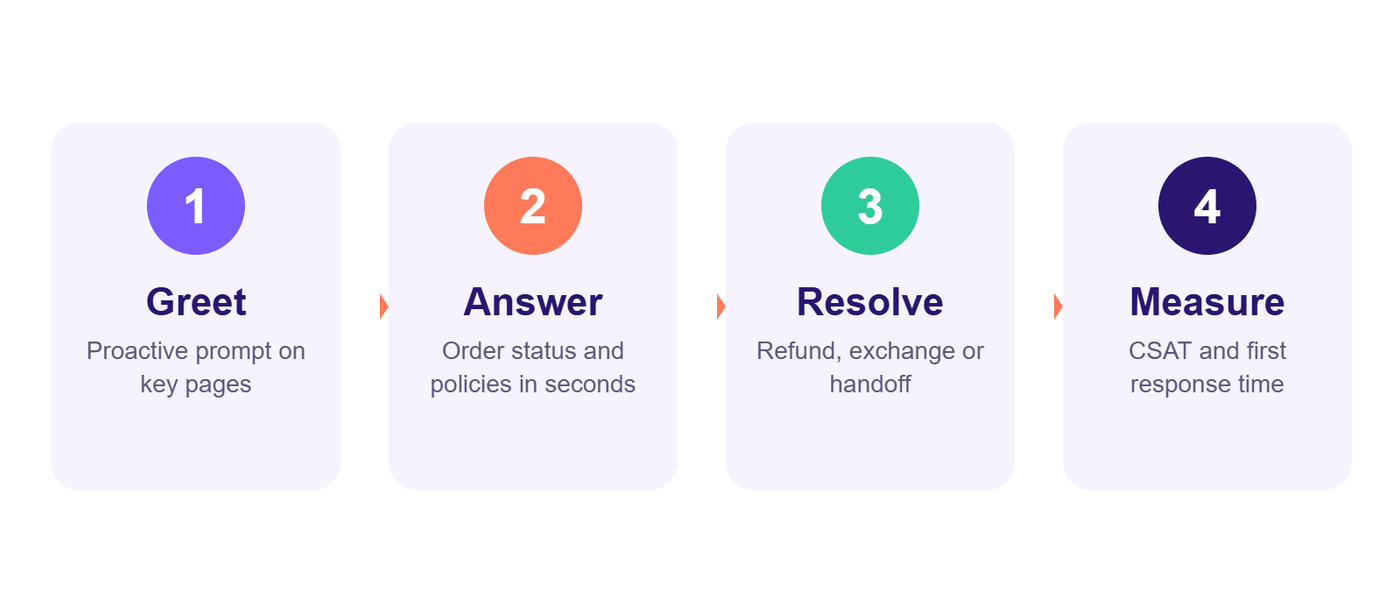
- Set up in five steps: pick a tool, connect order data, write canned replies, set hours, choose where to show the widget.
- Staff for speed, use automation for simple questions and hand over to a human early.
- Track first response time, resolution time, CSAT and chat-to-order rate every week.
Shoppers rarely read a long help page before they buy. They open the chat bubble, ask one quick question and decide in seconds whether your store feels trustworthy. That is why live chat for ecommerce is no longer a nice extra. For many Shopify and D2C brands it is the fastest way to answer doubts, recover carts and keep support costs under control.
This guide covers what live chat does for an online store, how to set it up, how to staff it, and which numbers to track. If you are preparing for peak season, pair it with our Black Friday live chat playbook.
What live chat does for an ecommerce store
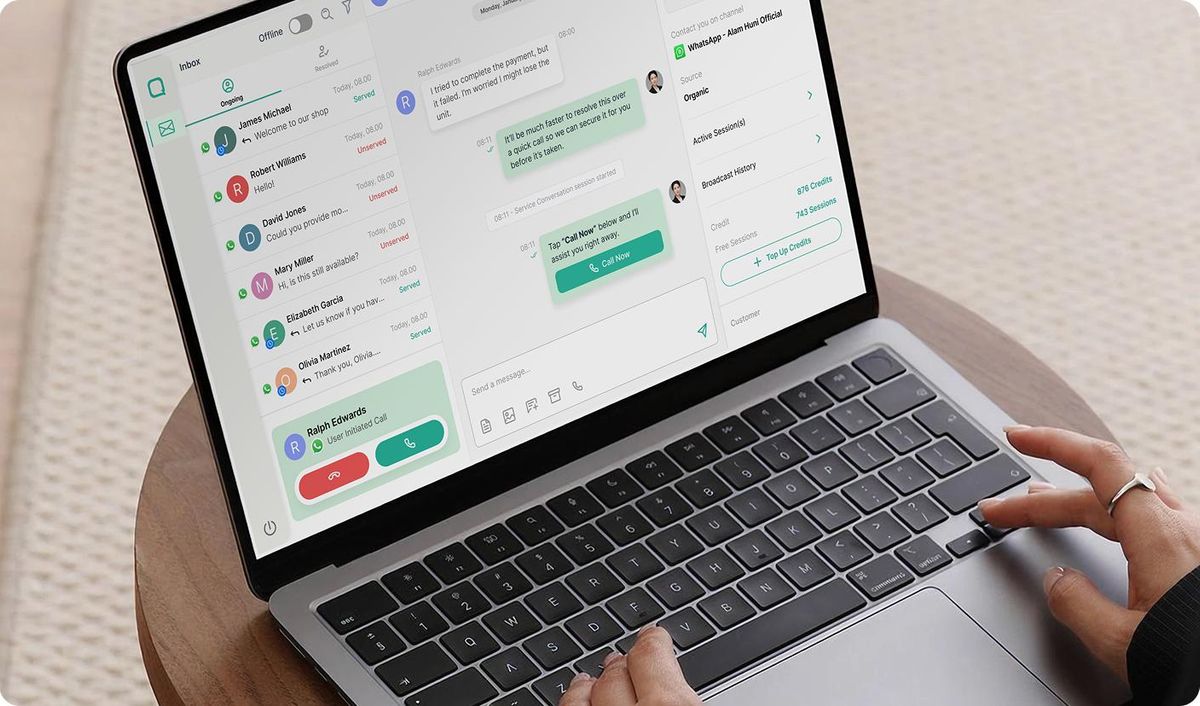
Live chat gives customers an instant, low-effort way to ask questions while they are still on your site. In practice it helps in four places:
- Pre-purchase questions: sizing, shipping times, stock, materials and discount rules are the most common blockers. A fast answer removes the doubt.
- Order status: "where is my order?" is usually the single biggest ticket type. Chat resolves it in one reply with a tracking link.
- Returns and exchanges: a quick chat can turn a refund request into an exchange or store credit.
- Cart recovery: a short, helpful nudge on the cart or checkout page can bring back a hesitant buyer.
How to set up live chat in five steps
- Pick a tool that connects to your store, such as Gorgias, Zendesk, Tidio or Shopify Inbox. If you are comparing helpdesks, our Gorgias vs Zendesk breakdown explains the trade-offs for Shopify.
- Connect order data so agents can see order status, tracking and past tickets without asking the customer to repeat themselves.
- Write canned replies for your top ten questions, then edit them to sound human. Keep them short and always offer a next step.
- Set clear hours and an offline form, so a message sent at night still gets a reply and does not disappear.
- Decide when to show the widget. Product, cart and returns pages are usually the best places to start.
Staffing and response time
Speed matters more than polish in chat. Most customers expect a first reply within a minute or two, and long gaps make people close the window. If your team cannot cover every hour, you have three realistic options: limit chat to your busiest hours, use automation for simple questions, or work with a support partner that covers the rest. Our guide to outsourcing ecommerce customer service explains how to choose one.
Whichever route you take, give agents a short internal playbook: tone of voice, refund limits, when to escalate and how to log a conversation. A knowledge base makes this far easier, and our post on building an ecommerce knowledge base for Shopify shows how to structure one.
Where automation helps and where it does not
Chatbots and automations work well for order tracking, store hours, return policy questions and simple FAQs. They are weaker on upset customers, edge cases and anything that involves judgement. A good rule is to let automation take the first message and hand over to a human the moment the customer asks for one or the topic turns sensitive. For ideas on what to automate first, read customer service automation for ecommerce.
Metrics to track every week
- First response time: how long a customer waits for the first reply.
- Resolution time: how long a conversation takes to close.
- Customer satisfaction (CSAT): a quick thumbs-up or rating after the chat.
- Chat-to-order rate: how many chats lead to a purchase on the same visit.
- Top question topics: use them to fix product pages, policies and shipping info.
Review these numbers weekly. Repeated questions are a signal that your site is missing information, and fixing the page is cheaper than answering the same question a hundred times.
Common mistakes to avoid
- Hiding the chat widget so customers cannot find it, or popping it up too aggressively.
- Using canned replies that sound robotic or ignore what the customer actually wrote.
- Promising live hours and then leaving messages unanswered.
- Treating chat as a separate system, with no link to order data or the helpdesk.
Not sure if live chat support is worth it?
The easiest way to find out is to test it on real customers. Solutozeex runs a free 2-week pilot where trained agents handle live chat and email for your store, so you can judge response time, quality and customer feedback before committing to anything. You can also read more about our customer support services for ecommerce brands.
Recommended for you

Ecommerce Return Solutions: 7 Ways to Cut Return Costs in 2026

Agentic Commerce Optimization for Shopify: How to Get Your Products Chosen by AI Shopping Agents (2026)

Shopify Store Credit and Exchanges: How to Turn Returns into Repeat Sales (Scripts + Strategies, 2026)